Skip to content

Volunteering at Civic Tech Toronto

Volunteer developer on Civic Dashboard since September 2026: 3 fixes merged and 2 in review.

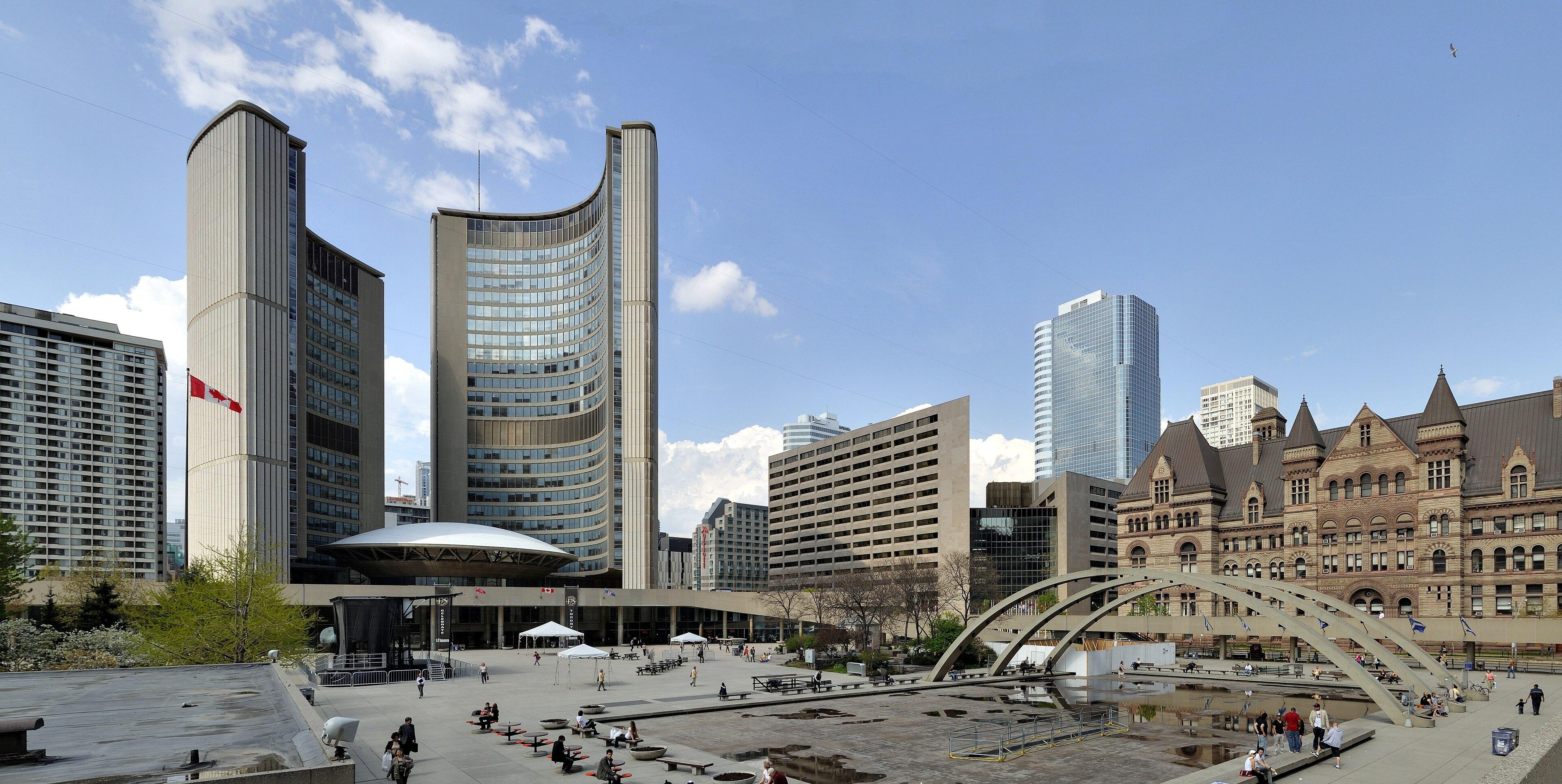
Toronto City Hall's two curved towers and the council chamber between them, seen across Nathan Phillips Square
Toronto City Hall and Nathan Phillips SquareWhere City Council meets

Civic Tech Toronto

Civic Tech Toronto began on 6 June 2015, when a group of residents spent a day working on problems in their own neighbourhoods. Since that summer it has met every Tuesday evening, in person and online, and it has now passed its 500th hacknight. It is run entirely by volunteers who want to understand and fix civic problems with technology.

A hacknight opens with introductions and a featured talk, and then people split up to work on the community projects, which are open to new contributors. Civic Dashboard is one of them.

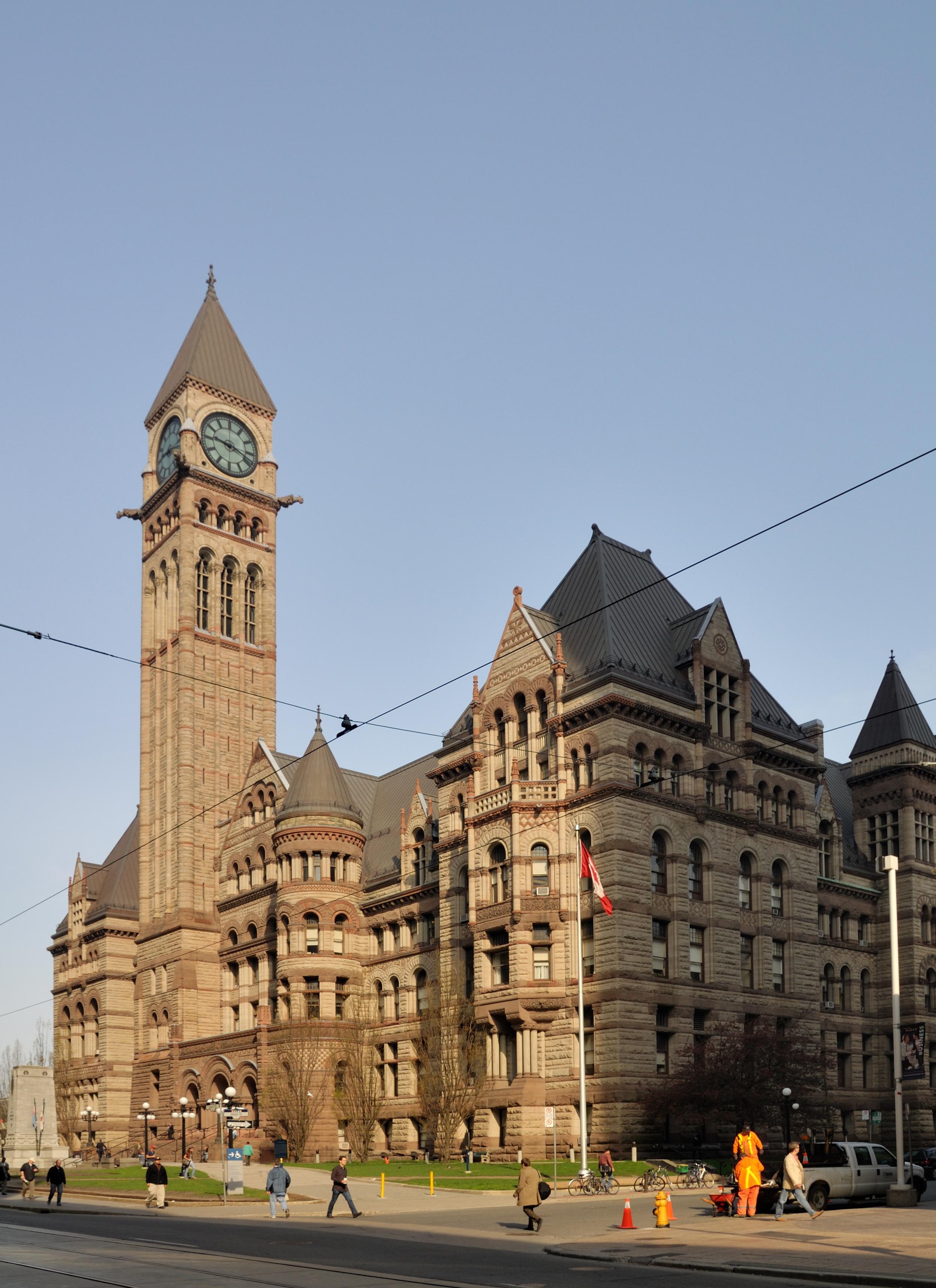
Old City Hall's sandstone clock tower on Queen Street West
Old City Hall, opened in 1899
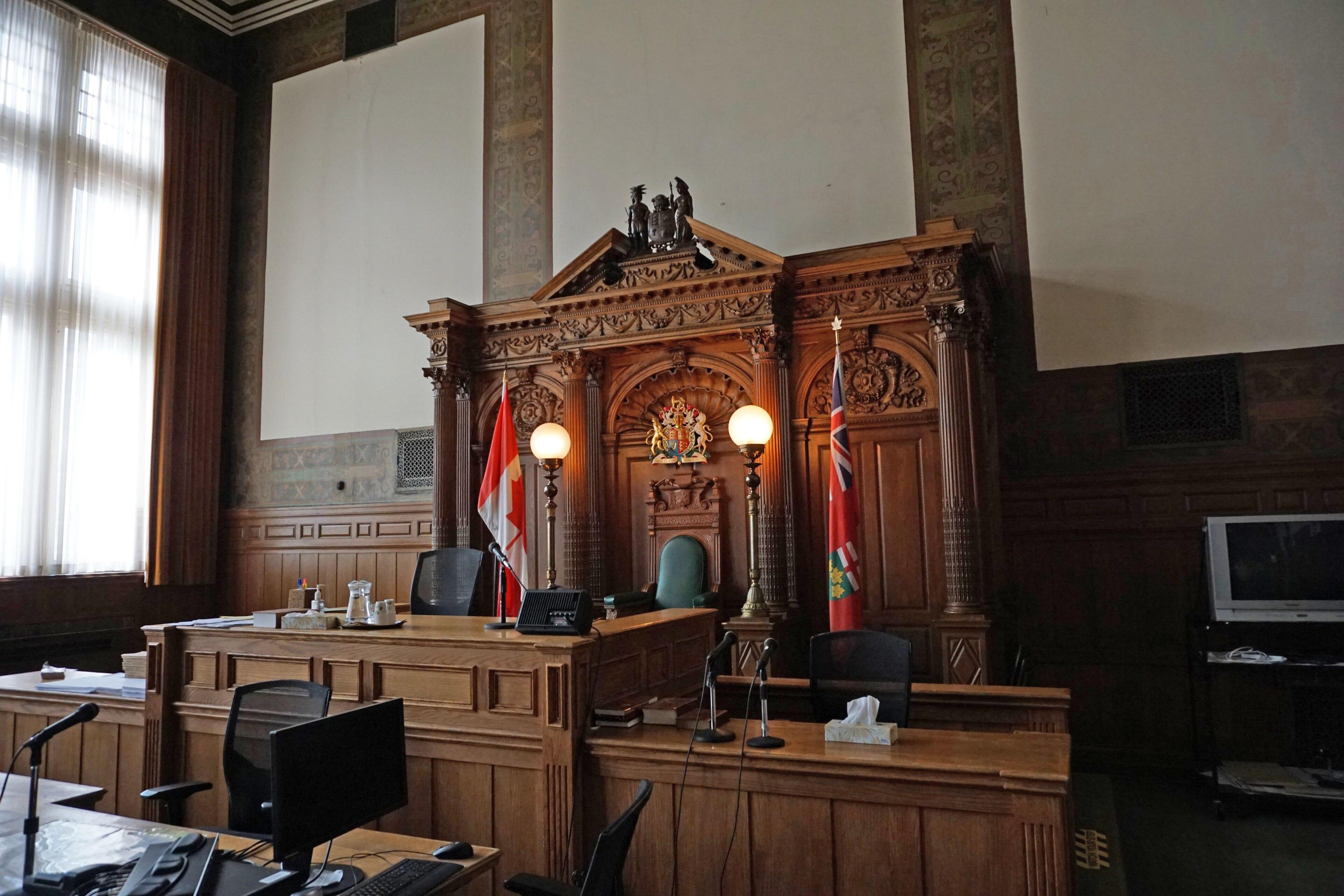
The wood-panelled former council chamber inside Old City Hall, now used as a courtroom
Its former council chamber, now a courtroom

Civic Dashboard

I volunteer on Civic Dashboard, one of its projects, which makes Toronto City Council easier to follow. Residents can see what is coming up, read their councillor’s voting record, get an email when an item they care about is on the agenda, and send a comment or ask to speak in one step.

It works from the City of Toronto’s public agendas and voting records. Council publishes each agenda a week before the meeting, so an email alert gives people time to send a comment or ask to speak before the item is decided.

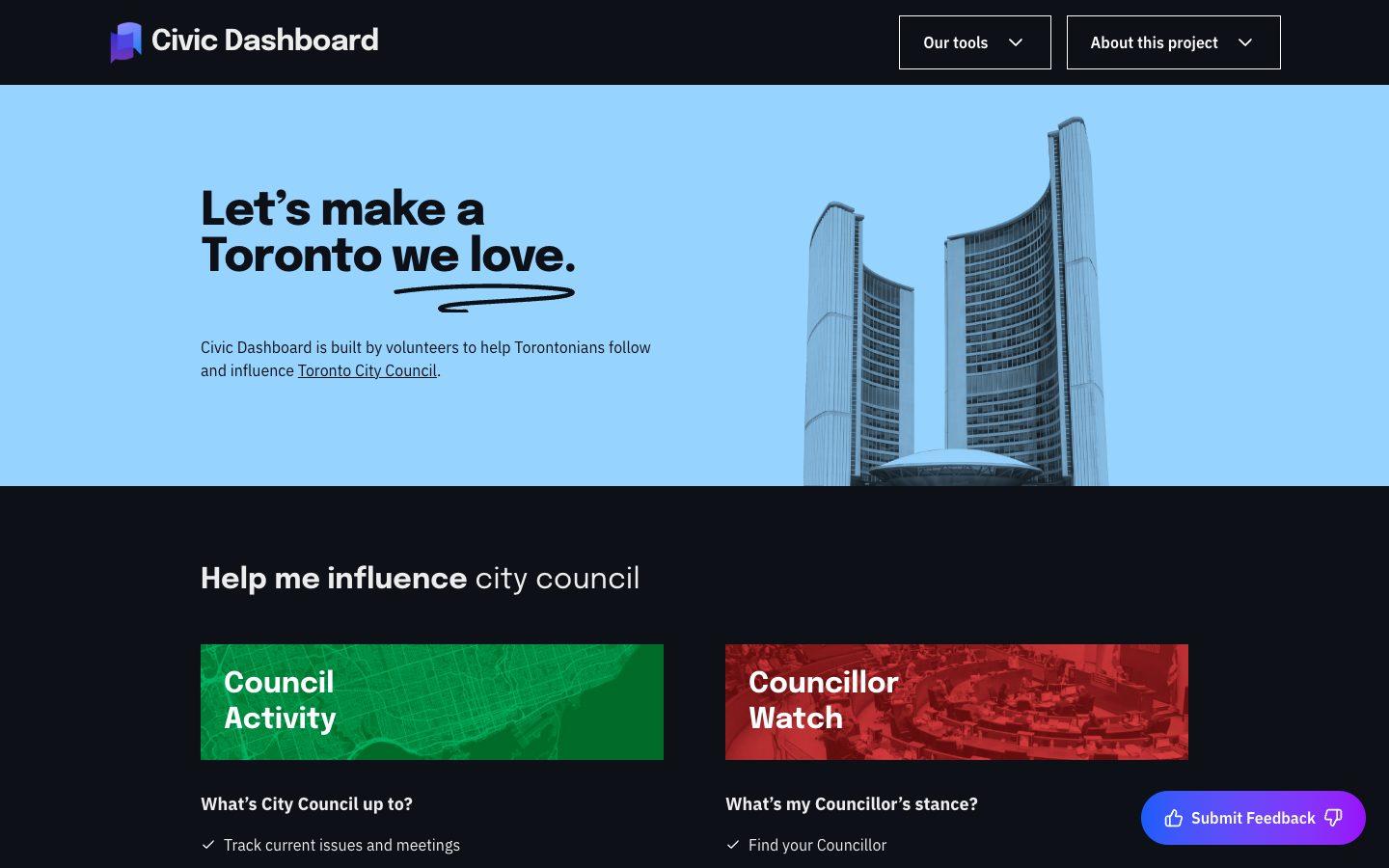
The Civic Dashboard home page: Let's make a Toronto we love, with Council Activity and Councillor Watch
The home pagecivicdashboard.ca
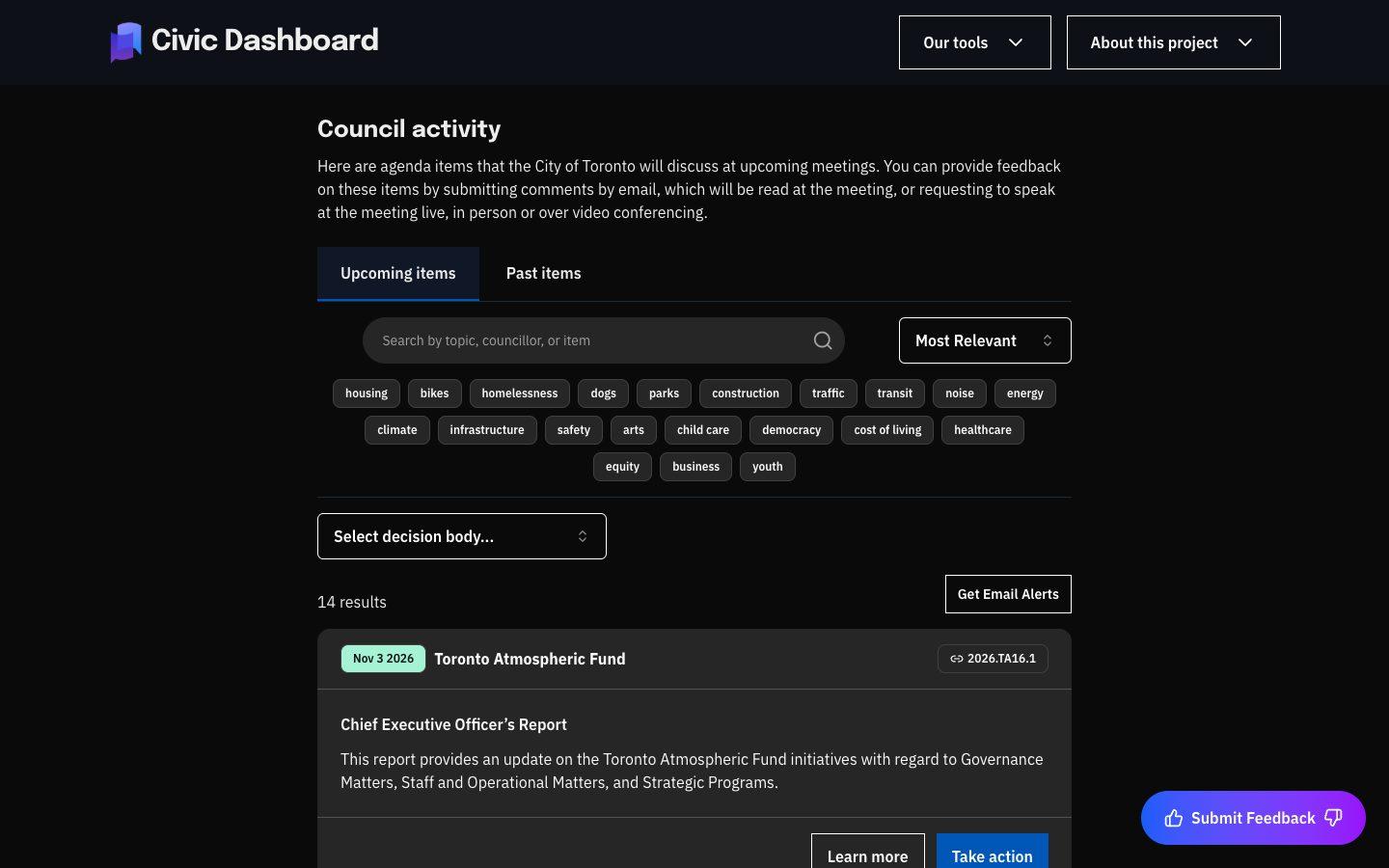
The Council activity page listing upcoming agenda items, with search, topic filters and email alerts
Council activity, where search and alerts live/actions
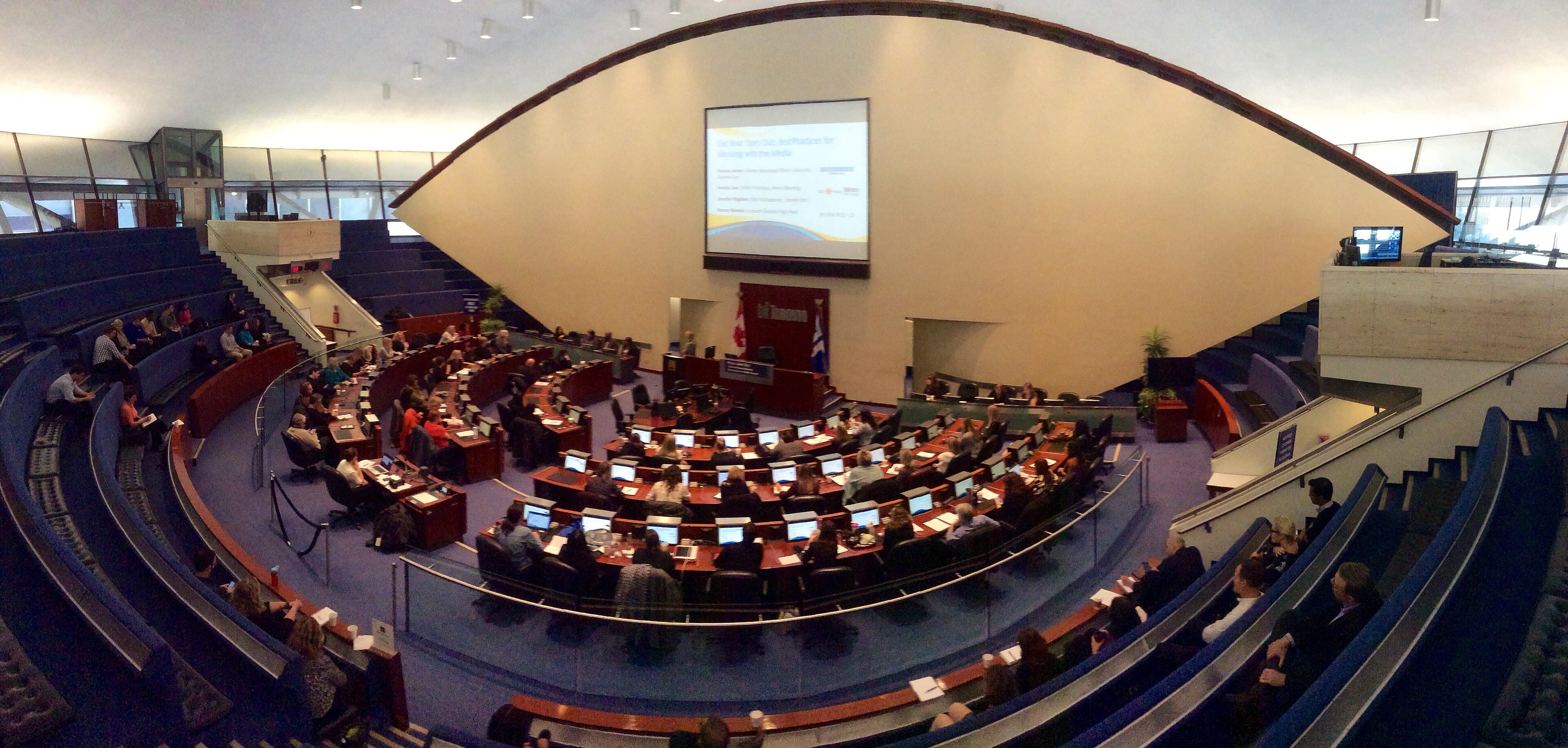
Toronto City Council in session in the round council chamber at City Hall
City Council in session. Civic Dashboard follows every item that comes here.City of Toronto

What I’ve fixed

Most of these bugs never raised an error: the site kept working, just not the way it should.

Searches in brackets matched everything

Merged · Pull request #549

The problem. Search on the Actions page dropped the last word inside brackets and ignored a minus in front of them. (housing) matched every item, (transit or bike) only searched for transit, and -(towing) showed only towing items instead of hiding them. Email alerts use the same code, so someone subscribed to (housing) got an email for every new item.

The fix. The query parser counted the closing bracket’s position from after the opening bracket, then used it as if it counted from the start. I converted it to the right position in the two places that handle brackets, the ( case and the -( case, and left the rest of the parser alone. Searches without brackets behave exactly as before, and a workflow that rebuilds saved subscriptions on merge fixes existing alerts automatically.

How I tested it. I ran the parser directly on nine queries, including empty brackets, an unclosed bracket and nested groups, and checked each against the expected Postgres text-search query. On the site, housing and (housing) now return the same results.

The feedback form could ping a whole Slack channel

Merged · Pull request #557

The problem. The feedback form posted the visitor’s name, message, email and other fields into the team’s Slack channel exactly as typed. Slack reads <!channel>, <!here> and <url|label> as a mention or a link, so anyone could ping the whole channel or post a link disguised as something else.

The fix. Every user-supplied field now goes through a small escaping helper that turns &, < and > into their HTML entities before the message is built, so Slack shows them as plain text. Rate limits and length limits are a separate problem, so I left them out of this change and said so in the pull request.

How I tested it. I ran the app locally against a test Slack webhook and sent <!channel> and a disguised link through both kinds of feedback form. The channel showed the literal text, with no notification and no clickable link.

Pages that repeated or skipped items

Merged · Pull request #559

The problem. Four bugs in one issue. Infinite scroll on the Actions page could show an item twice or skip one, because items from the same meeting share a date and the sort had no tiebreaker. A councillor’s voting record could change between page loads. A failed unsubscribe still hid the subscription card. And the two public APIs accepted any page size.

The fix. One small fix per bug: a unique tiebreaker on the agenda search sort, a matching ORDER BY for the DISTINCT ON in the voting-record query, the success and error handlers swapped into the right order for unsubscribe, and a 422 response for page sizes above 100. Each fix is one to three lines.

How I tested it. I scrolled through several pages checking each item appeared once, reloaded voting records to confirm the same items stayed on the same pages, forced an unsubscribe failure to check the card stays, and called both APIs with page sizes of 100 and 101.

Agenda pages that would crash in the new council term

In review · Pull request #570

The problem. Opening an upcoming agenda item whose committee wasn’t in the database returned a server error, because the comment and request-to-speak forms read the committee’s name while rendering. Committee IDs change every council term, so this would hit every item of the new term.

The fix. Three one-line guards: the comment form, the request-to-speak form and the Take action menu only render when the committee is known. Without a committee there is no address to send to, so hiding them is the honest behaviour. Fetching the new term’s committees is tracked separately.

How I tested it. Locally, I inserted one known committee and two upcoming test items, one pointing at a committee that doesn’t exist. Both pages load and only the known one shows the actions. On the preview site I checked that every existing item still shows them.

A security upgrade that would have taken the site down

In review · Pull request #572

The problem. A high-severity denial-of-service advisory affected the site’s version of Next.js in apps that use Server Actions, and the site calls several from the browser. The patched release was the only fix. But upgrading Next.js alone made every page return a server error on Cloudflare, because the deploy adapter didn’t support the new release yet.

The fix. I upgraded Next.js together with the lowest versions of the Cloudflare adapter and Wrangler that support it: three one-line version bumps, with the lockfile regenerated by npm. Production audit findings went from 8 (1 critical) to 4 (none critical).

How I tested it. Lint, type check and the production Cloudflare build pass. In a local Cloudflare preview I loaded every page, called both API routes and ran a real Server Action, all without errors.